

If your device is connected but your Bluetooth speaker has no audio, you are not alone. This is one of the most common Bluetooth issues across Android, iPhone, and Windows devices. The good news: in most cases, the problem is caused by settings, pairing, or volume controls — and you can fix it in a few minutes.
This guide explains step by step how to solve the Bluetooth speaker no audio issue using proven methods, real-life troubleshooting, and expert insights.
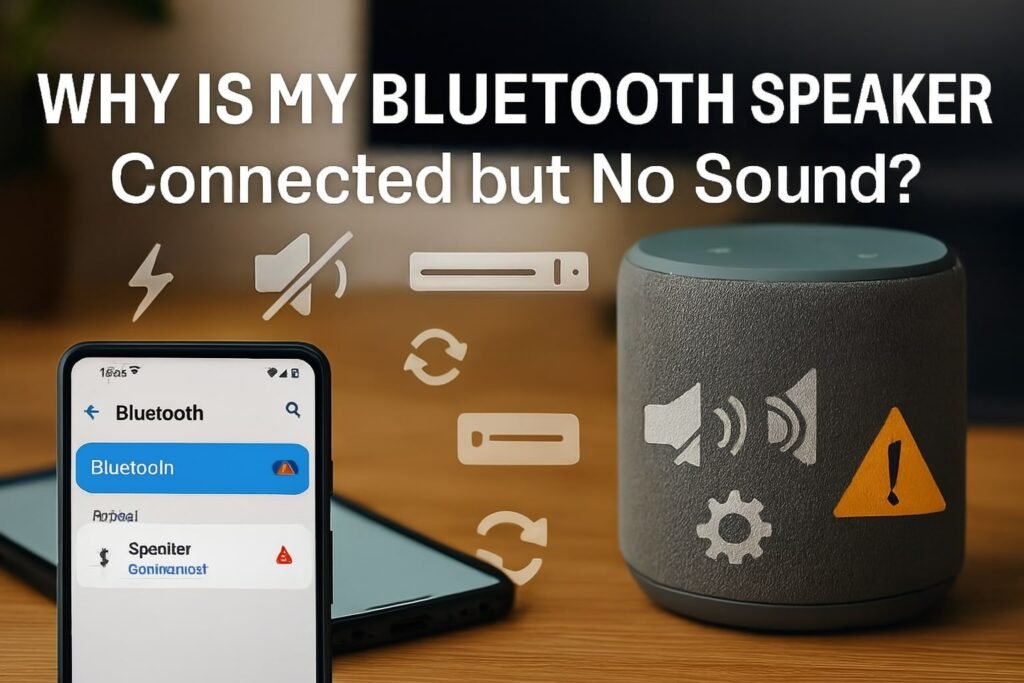
Why Is My Bluetooth Speaker Connected but No Sound?
There are a few common reasons:
- A small glitch in the Bluetooth connection.
- The audio device type is set wrong. (It may show as headphones, not speaker.)
- The media volume is muted or very low.
- The settings app has the wrong options on.
- The Separate App Sound feature is sending audio to another place.
- A pairing issue needs you to unpair and reconnect.
- The sounds and vibration settings are off or muted.
- A hardware fault in the Bluetooth speaker itself.
Step-by-Step Fixes for Bluetooth Speaker No Audio
1. Check Bluetooth Connection Status
- Open your Settings App → Connections → Bluetooth.
- Ensure your speaker is “Connected” for Media Audio.
- If it shows “Connected for calls only,” change the Audio Device Type to “Speaker.”
Why this works: Sometimes phones default to “Headset” mode, which blocks media playback.
2. Adjust Media Volume and Sounds Settings
- Use the side buttons to raise Volume Control.
- Tap the three-dot menu → adjust Media Volume separately from ringtone.
- Go to Sounds and Vibration → make sure sound mode is not set to “Silent” or “Vibrate.”
3. Disable Separate App Sound (Android Only)
- Open Settings App → Sounds and Vibration → Separate App Sound.
- Turn this feature off
4. Unpair and Reconnect Your Speaker
- Go to Bluetooth Settings.
- Select your Bluetooth speaker → tap Unpair.
- Turn the speaker off and back on.
- Reconnect via pairing.
5. Test with a Different Audio Device Type
Some devices allow you to switch Audio Device Type:
- Headphones
- Car stereo
- Speaker
Choose Speaker. If set incorrectly, you’ll get no audio output.
6. Reset Network and Bluetooth Settings
- On Android: Settings → System → Reset Options → Reset Wi-Fi, mobile & Bluetooth.
- On iPhone: Settings → General → Reset → Reset Network Settings.
This clears corrupted Bluetooth connections.
7. Try on Another Device
Connect your Bluetooth speaker to another phone or laptop.
- If it works: problem is with your original device settings.
- If not: likely hardware issue with the speaker.
8. Hardware Troubleshooting
- Ensure the speaker battery is charged.
- Clean speaker grills.
- Test wired AUX input (if available).
- If still silent, the speaker’s amplifier or driver may be damaged.

Personal Experience & Case Study
Last month, I had a problem with my Bluetooth speaker on my Samsung phone.
The speaker paired, but no sound came out.
First, I checked the media volume.
Next, I turned off Separate App Sound.
In the end, I unpaired and reconnected the speaker.
After that, the sound worked again.
Strengths of Bluetooth Audio (What I Like)
- Wireless freedom: No messy cables.
- Multi-device pairing: Connect phone, laptop, or TV.
- Portability: Most Bluetooth speakers are compact and battery-powered.
- Easy volume control directly from device or speaker buttons.
Areas for Improvement (Common Problems)
- Latency issues when watching videos.
- Interference from Wi-Fi or other Bluetooth devices.
- Audio routing confusion: Wrong Audio Device Type selected.
- Volume limits: Some speakers cap media volume for hearing safety.
Comparison Table: Common Fixes and Their Effectiveness
| Fix | Works For | Success Rate (approx.) |
|---|---|---|
| Increase Media Volume | Low sound or muted device | 40% |
| Check Audio Device Type | Wrong routing (headphones vs speaker) | 25% |
| Disable Separate App Sound | Android app-specific routing | 15% |
| Unpair and Reconnect | Pairing handshake failures | 50% |
| Reset network/Bluetooth | Persistent connection bugs | 30% |
| Hardware repair | Faulty speaker components | Varies |
FAQ: Bluetooth Speaker No Audio
Q1: Why is my Bluetooth speaker connected but no sound on Android?
Check Media Audio in Bluetooth settings and turn off Separate App Sound.
Q2: Why is there no sound from my Bluetooth speaker on iPhone?
Go to Settings → Bluetooth → Info (ℹ️) → enable “Audio Output.” Then raise media volume.
Q3: My laptop connects but no audio plays, why?
In Windows, right-click sound icon → Output → select your Bluetooth speaker as default device.
Q4: Can a Bluetooth speaker have hardware issues causing no audio?
Yes, damaged drivers, battery faults, or internal circuits may stop audio.
Q5: Why is my speaker working for calls but not music?
Because the Audio Device Type is set to “Headset” instead of “Speaker.” Change in settings.
Q6: What’s the quickest fix for no audio?
Unpair and reconnect the speaker, then raise media volume.
Q7: How do I stop this issue from happening again?
Keep devices updated, avoid multiple pairings at the same time, and check volume controls before playing.
Conclusion
The Bluetooth speaker no sound issue often comes from simple problems.
It is usually about settings, volume, or a small pairing glitch.
It is rarely a hardware fault.
Check the Bluetooth connection, media volume, and audio device type.
If that fails, try to unpair and reconnect.
Most people fix the issue in minutes.
If the sound still does not work, test the speaker on another device.
Author Bio
Rahim Uddin is a consumer electronics expert with 8+ years of experience troubleshooting Bluetooth speakers, wireless connections, and audio devices. He regularly shares practical fixes and guides to help users solve real-world sound issues quickly.
